
Create carousels that actually get saved
Paste a URL or your raw notes. AI formats it into slides. Customize colors and fonts. Download a professional PDF in minutes.

Swipe through • 10 slides
The Problem
LinkedIn carousels work.
Making them is painful.
Design tools are overkill
Canva, Figma, PowerPoint... just to make 5 slides? You spend more time designing than writing.
Copy-paste nightmare
Writing in one tool, designing in another. Copying text slide by slide. Formatting breaks constantly.
AI gives wrong lengths
ChatGPT writes too much or too little. Headlines overflow. Body text gets cut off. Nothing fits right.
Hours for one post
What should take 10 minutes takes 2 hours. So you just... don't post carousels.
CarouselBot fixes all of this. Your content in, polished carousel out.
Features
Everything you need to create carousels
Instant Slide Copy
Paste a URL or your notes. AI generates slide-ready copy that fits perfectly.
Magic Layout
Press one button and your content is arranged into professional slides.
Custom Templates
Create templates with your brand colors, fonts, and aspect ratios.
Image Uploads
Add your own images as backgrounds, banners, or accent elements.
AI-Generated Imagery
Generate custom images with guided prompts. Transparent backgrounds included.
Image Scaling & Repositioning
Scale, crop, and reposition images to get the perfect composition.
See It In Action
Watch CarouselBot create a carousel
From raw notes to polished slides in under 2 minutes.
The Story
How I built CarouselBot
I was tired of spending hours in Canva copying and pasting text into carousel templates. So I built a tool that does it automatically. Here's the full story of how CarouselBot came to be.
Read the full story on Substack
Why CarouselBot
Skip the frustration. Keep your voice.
No Copy-Paste
Write once, see it styled. No jumping between apps or reformatting text.
Fast & Easy
From idea to finished carousel in minutes. Spend time on content, not design.
No Decision Fatigue
Unlike Canva, no overwhelming choices. Curated templates that just work.
Custom Templates
Create your own templates with custom colors, fonts, and aspect ratios. Your brand, your style.
Template Gallery
Pick a style that fits your brand
Choose from 18+ templates or create your own. Hover to preview.
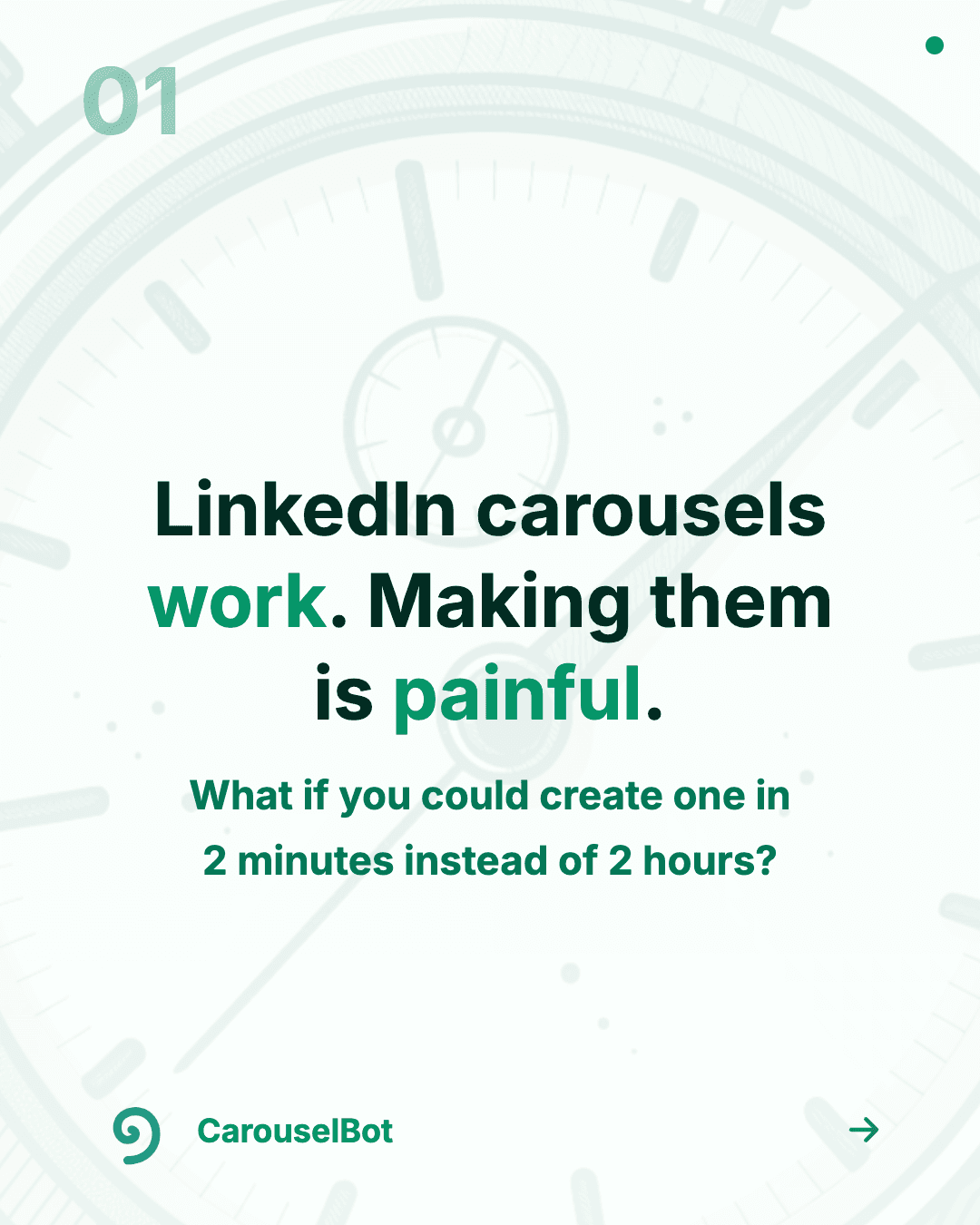
Classic Teal
Clean and professional

Dark Mode
Bold and modern

Moltbook Blue
Classic newsletter style

Soft Pink
Warm and inviting
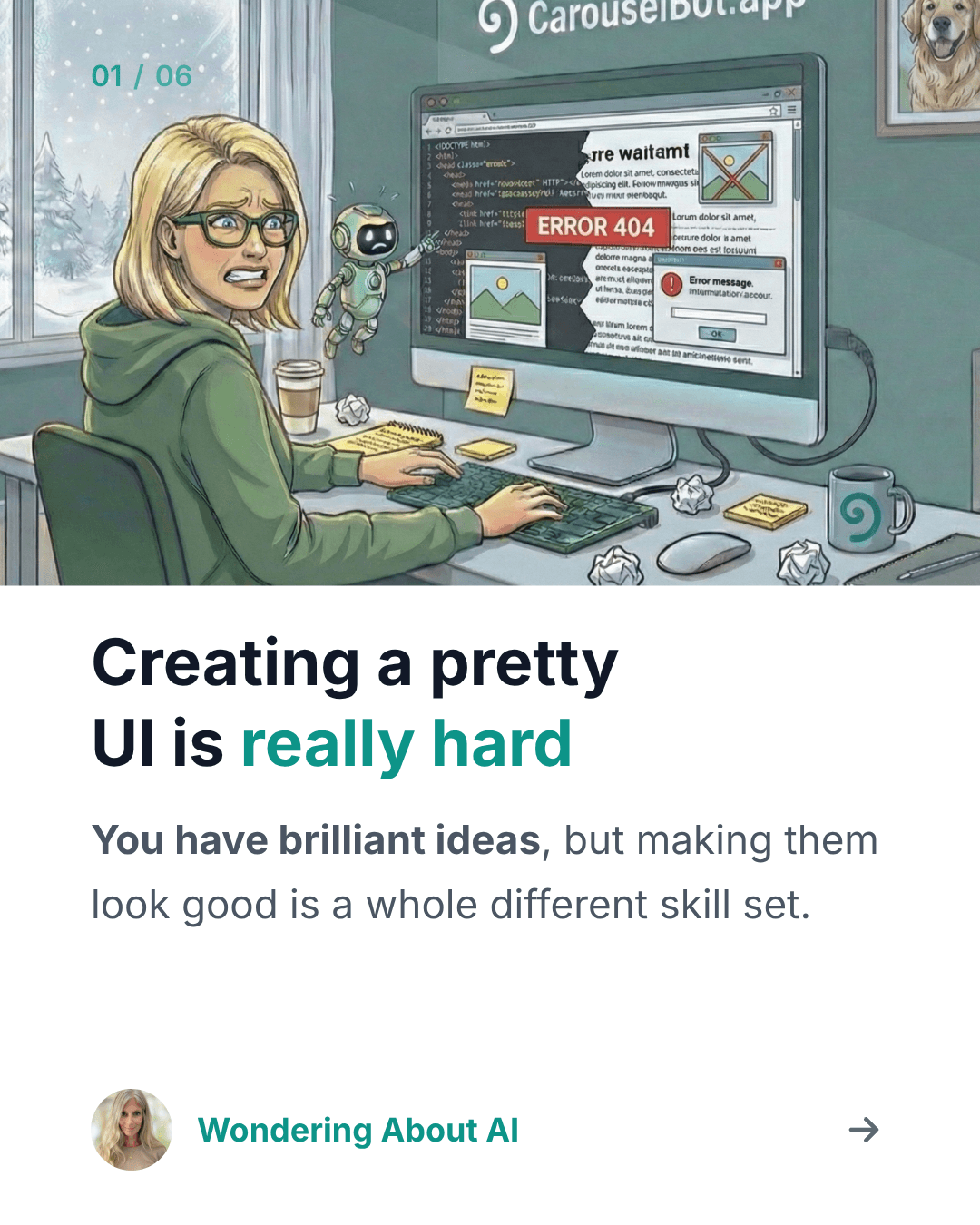
Minimalist White
Simple and elegant

Stories Format
9:16 for Stories/Reels
How it works
From idea to LinkedIn-ready carousel in four steps
Paste Your Content
Share a URL or paste your raw notes. Your ideas, your voice.
AI Formats Slides
AI structures your content into carousel-ready slides. Right lengths, right flow.
Edit & Customize
Review every slide. Edit text, pick colors, choose fonts, add your logo.
Download PDF
Export and upload directly to LinkedIn. You stay in control.
AI-generated diagrams
Explain processes, frameworks, and concepts visually. Diagrams auto-match your template colors and have transparent backgrounds.
Bulk carousel creation
Create up to 50 carousels at once. Paste a list of URLs, pick a template, and let CarouselBot generate them all with consistent branding.
- Process up to 50 URLs in a single batch
- Consistent template and branding across all carousels
- Add your logo to every slide automatically
- Optional AI diagrams for each carousel
Testimonials
What beta testers are saying
“One week ago, this CarouselBot post hit, I got a DM, and in less than a week I’ve a new global client. It wasn’t my most popular post, but the message resonated and the Carousel told the story in a few swipes. Moral: Use CarouselBot weekly.”
 Rich Carr
“You read a lot about publications, businesses, products etc. wanting to solve ‘real problems’ but it’s less often you see that in practice. I think your CarouselBot does exactly that. You’ve taken a genuine frustration that many people have and you’ve nailed the solution.”
 Paul the Human
“Couldn’t believe it took 5 minutes from pasting url to final outcome, even in beta. It was a joy to see Karen deploying all these new features lightning fast.”
 Filip Sardi
“CarouselBot update looks solid. Custom templates + drag-and-drop reordering is the kind of polish that separates ‘tool I try once’ from ‘tool I keep using.’”
 Lakshmi Narasimhan
“Just tried your CarouselBot, Karen! It has a really nice design and a clean outcome.”
 Jenny Ouyang
“It was so fun to test. And also interesting to see how the posts perform, carousels are great for driving impressions. And this was way better than my Canva attempt eons ago.”
 JHong
JHong“Thank you, Karen, both for the shoutout and for creating yet another amazing app...Honestly, this isn’t me promoting my own work; I just want people to realise what an incredible tool you’ve made”
 Dr Sam Illingworth
“You are hero for our charity making this! Looking forward to a lot of impact carousels showcasing community impact.”
 Dan Kershaw
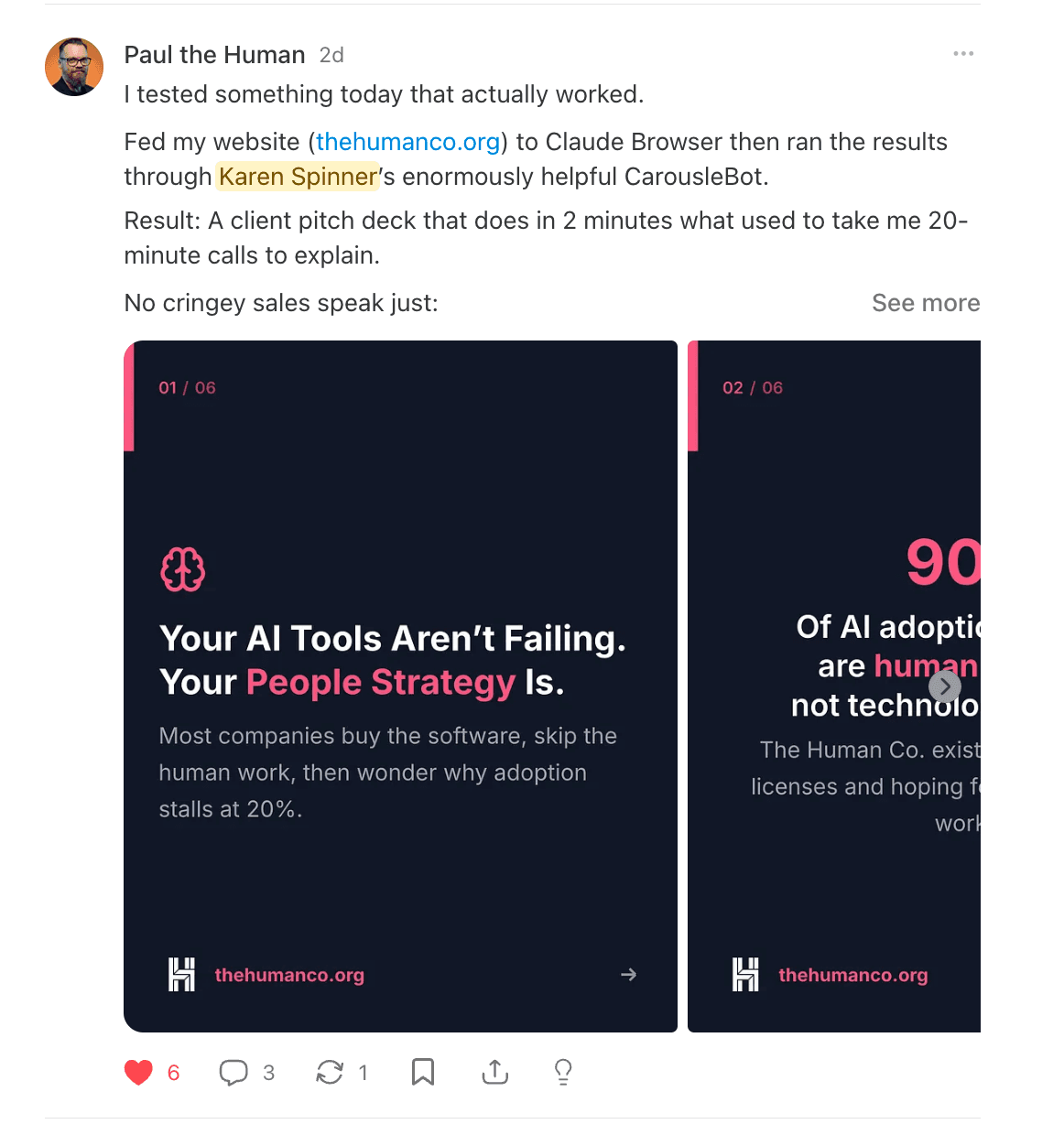
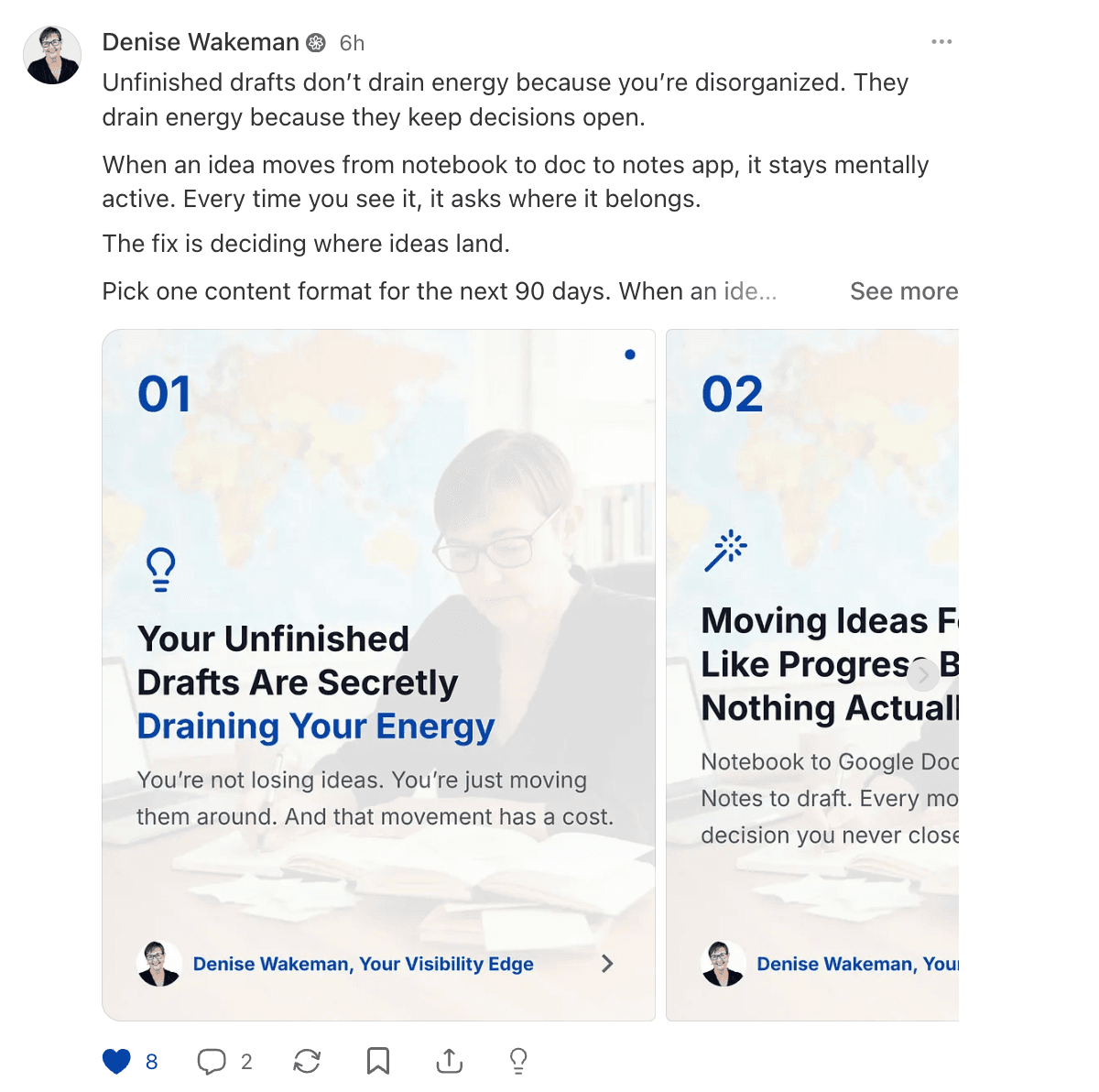
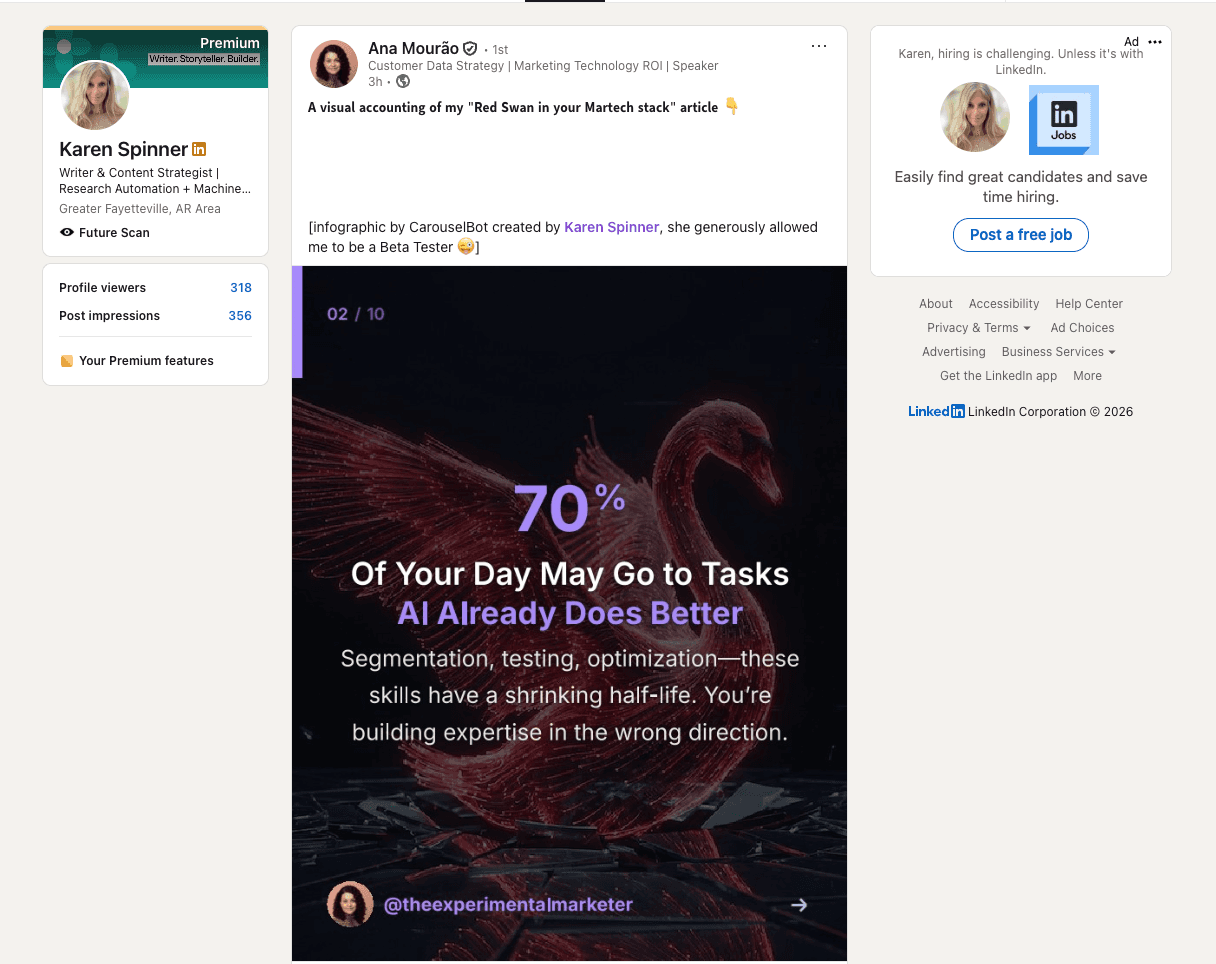
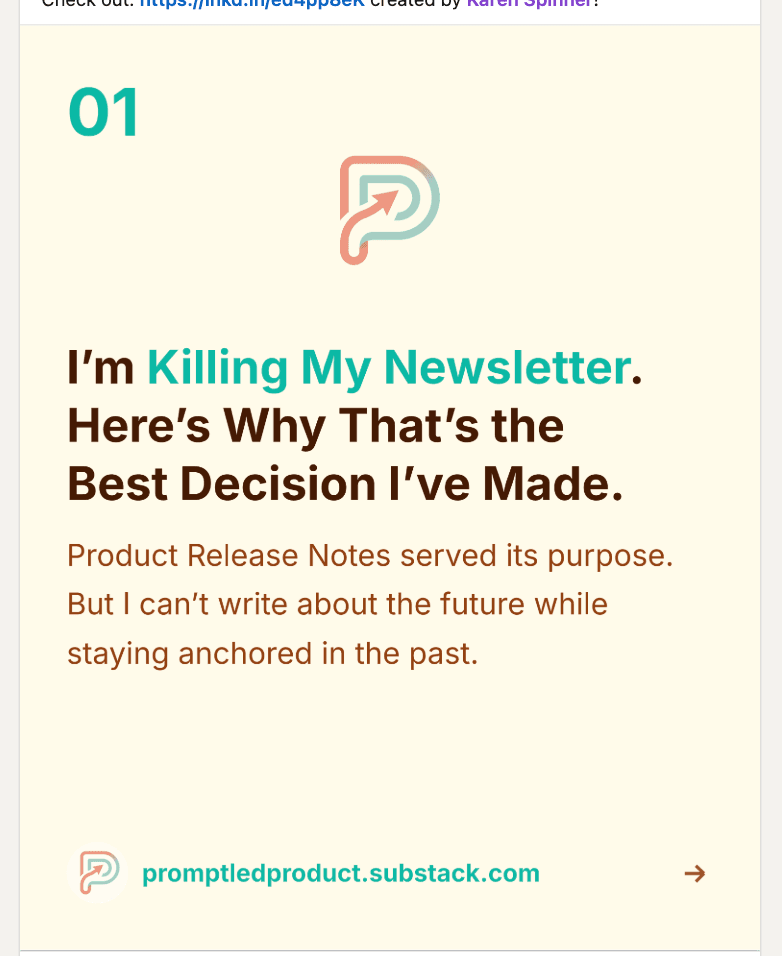
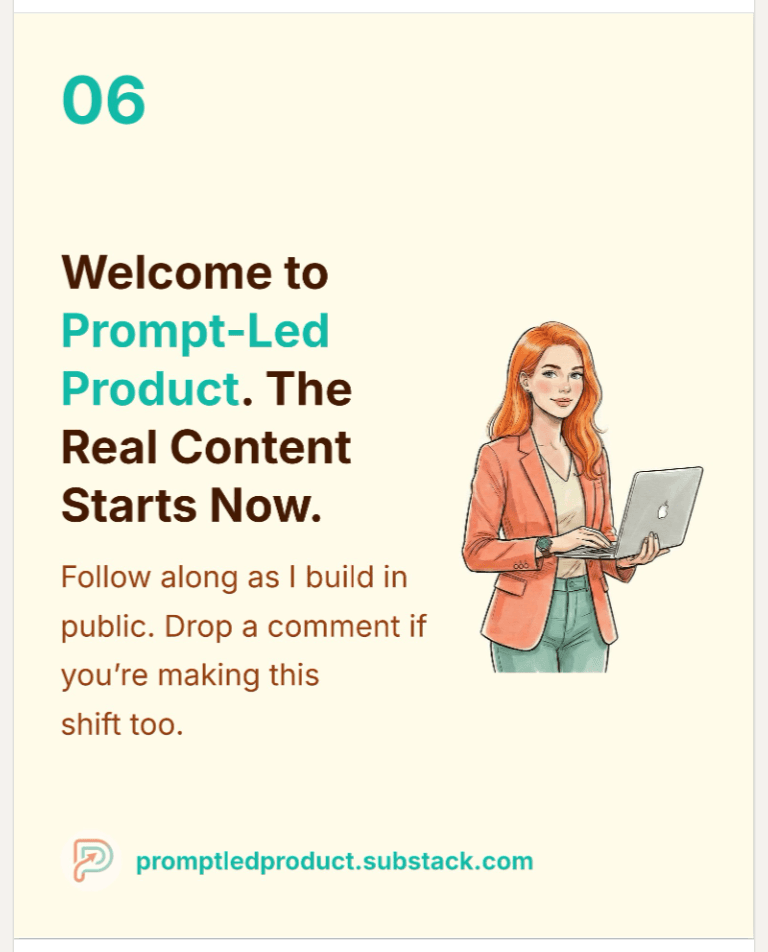
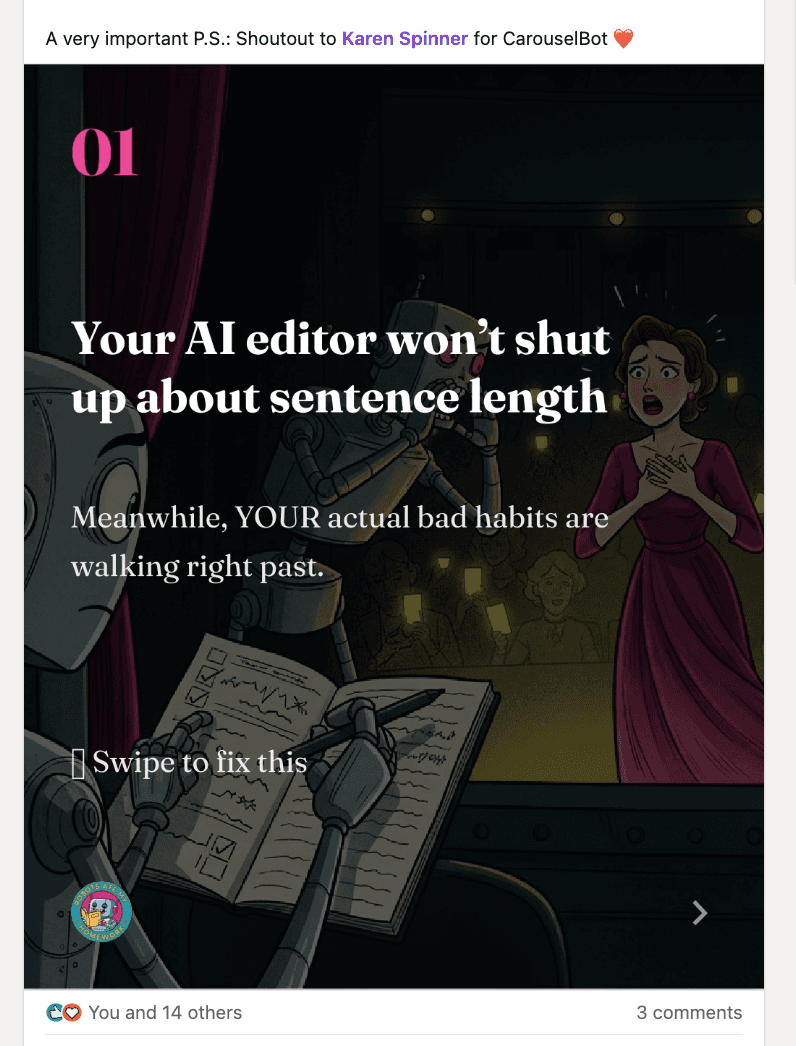
In the Wild
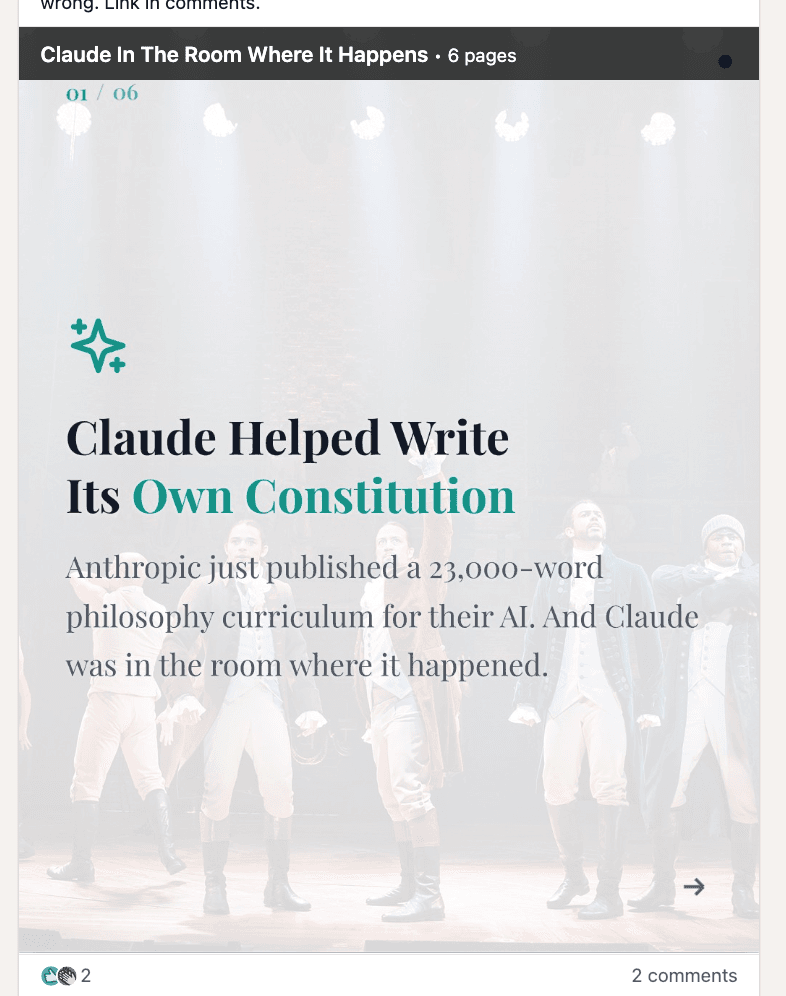
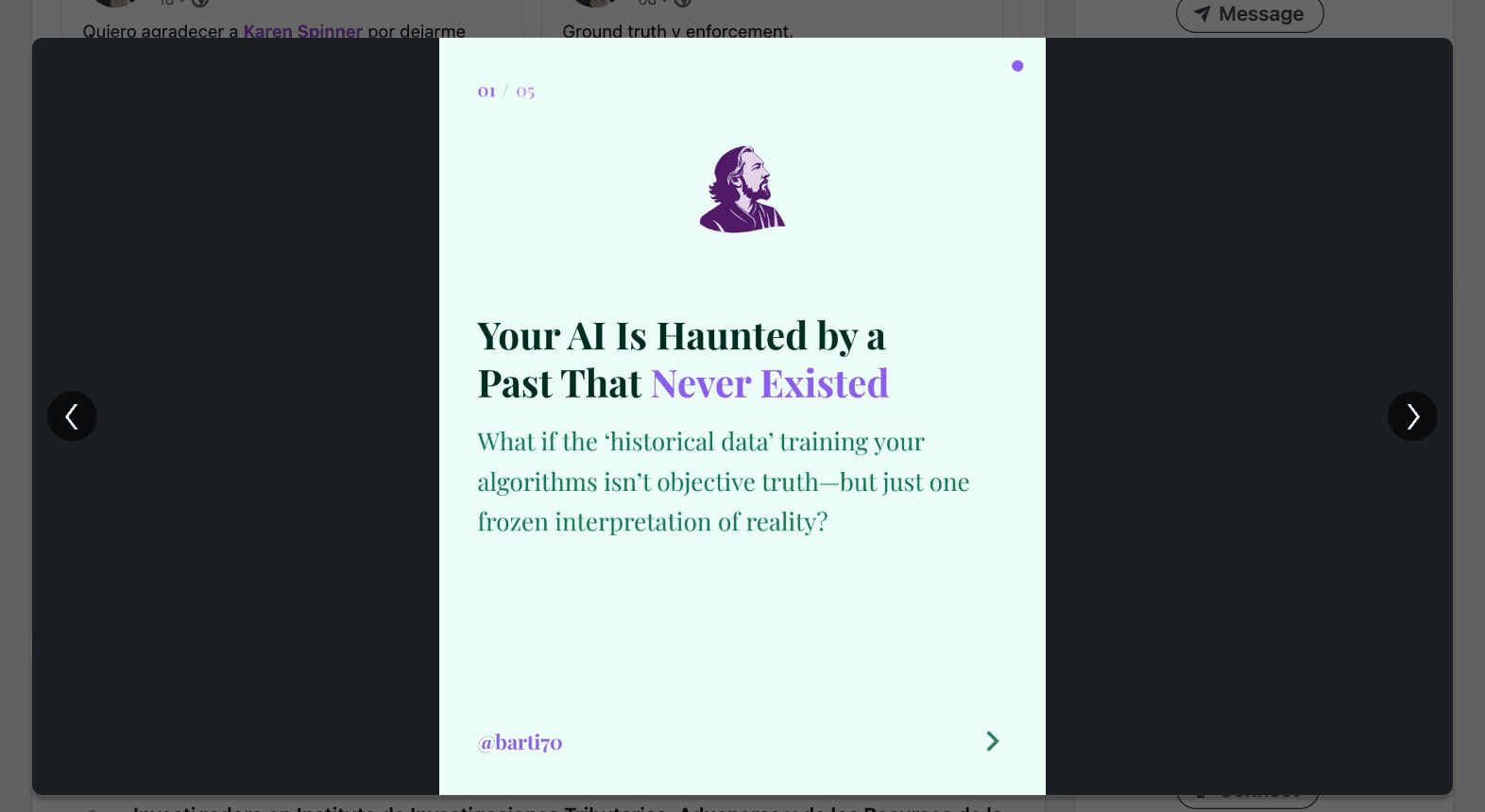
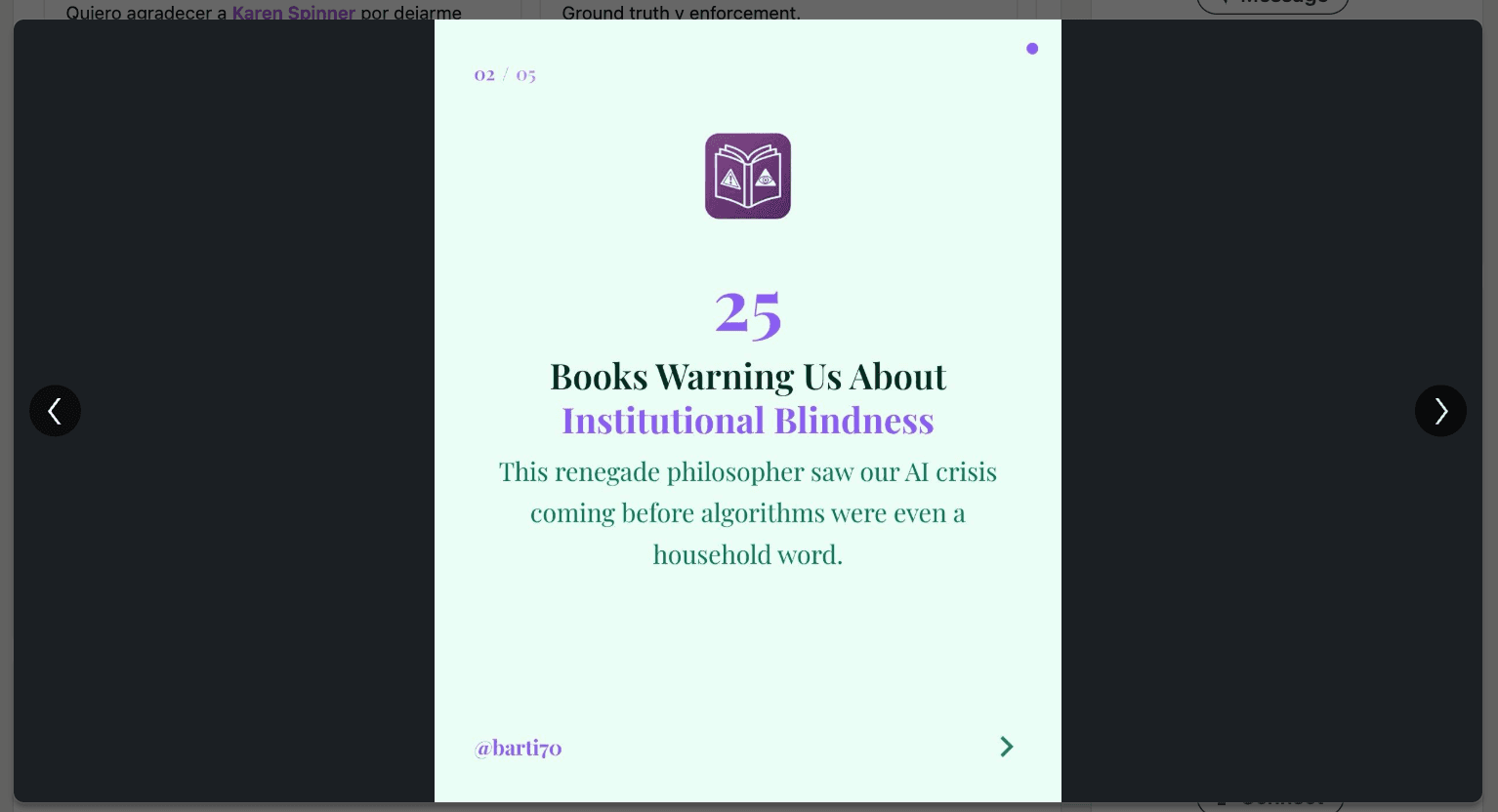
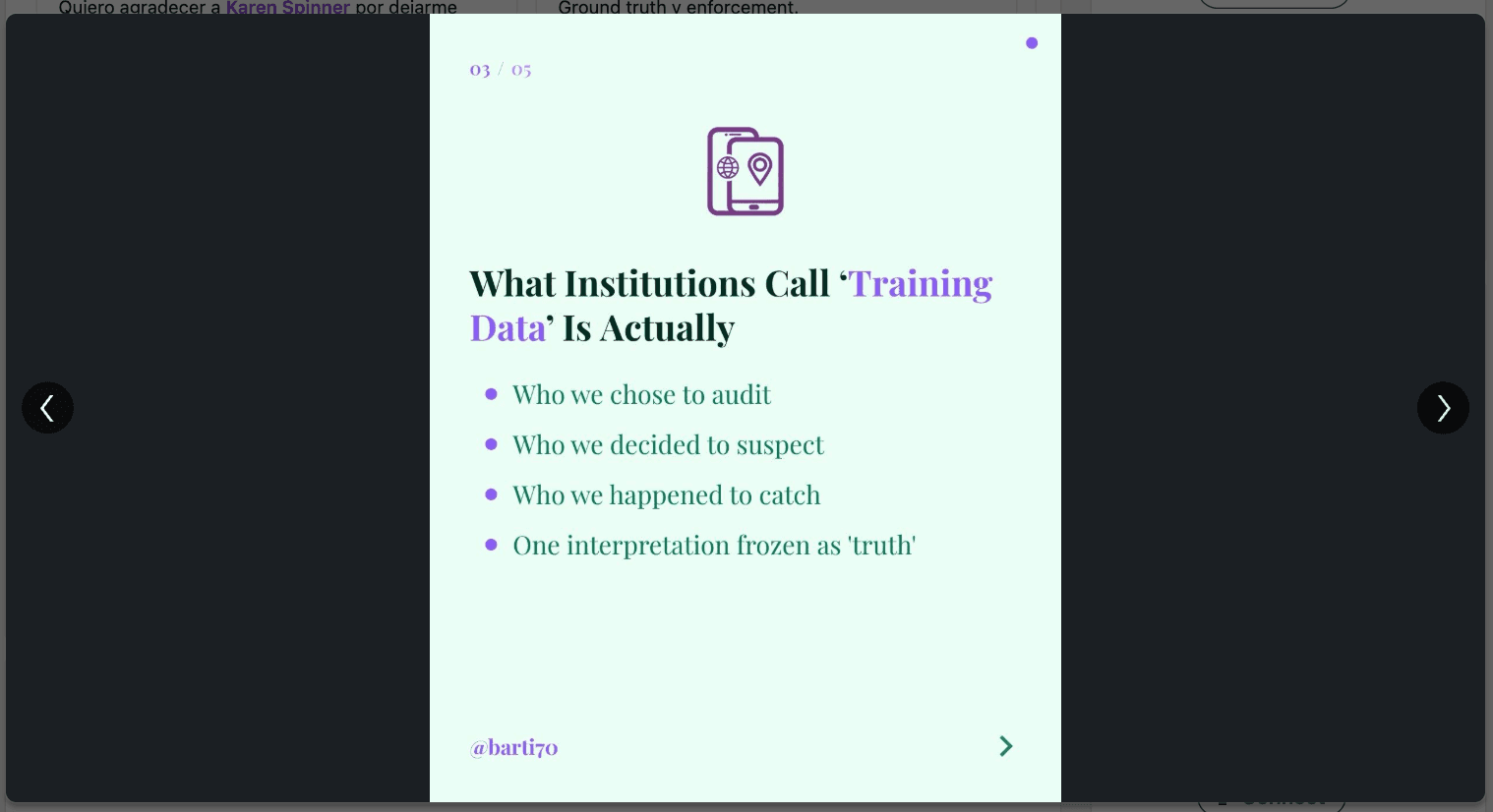
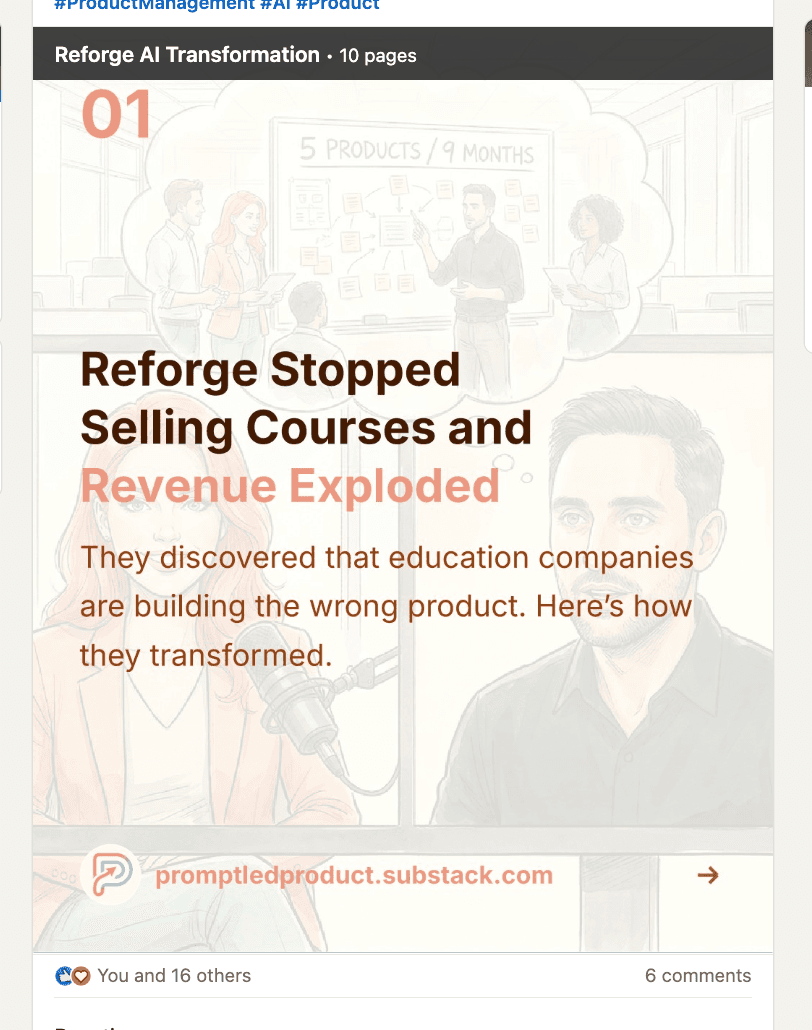
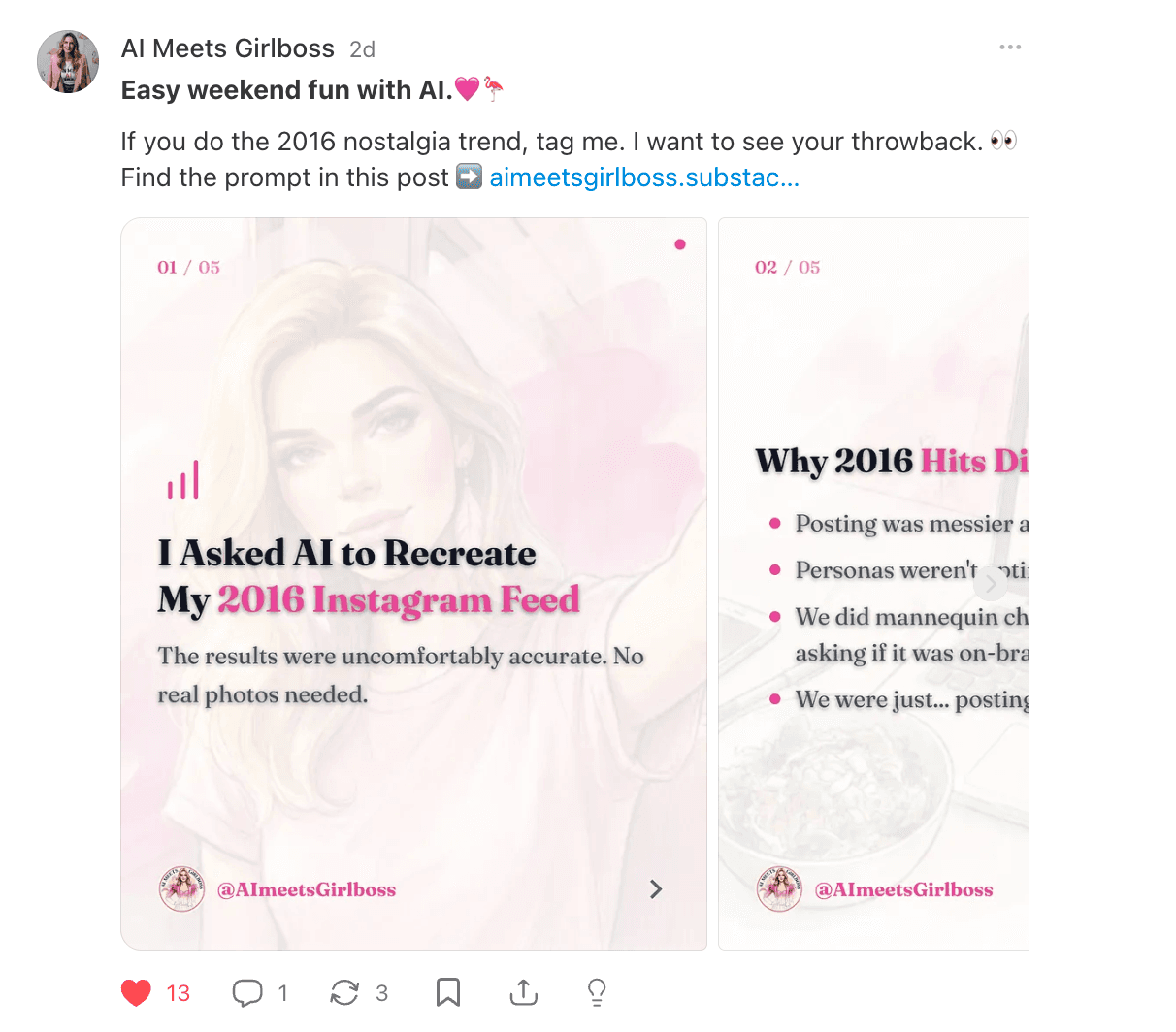
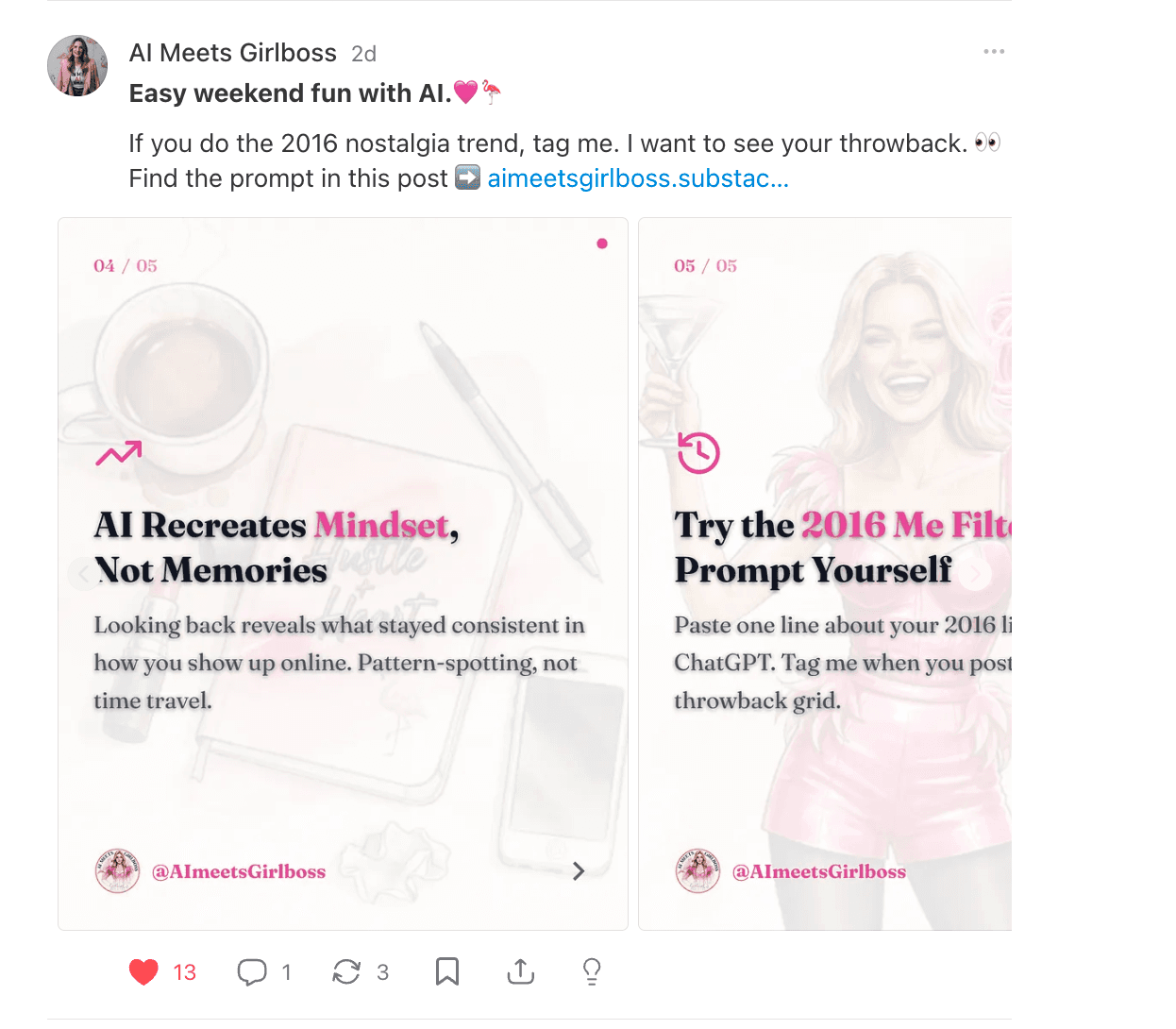
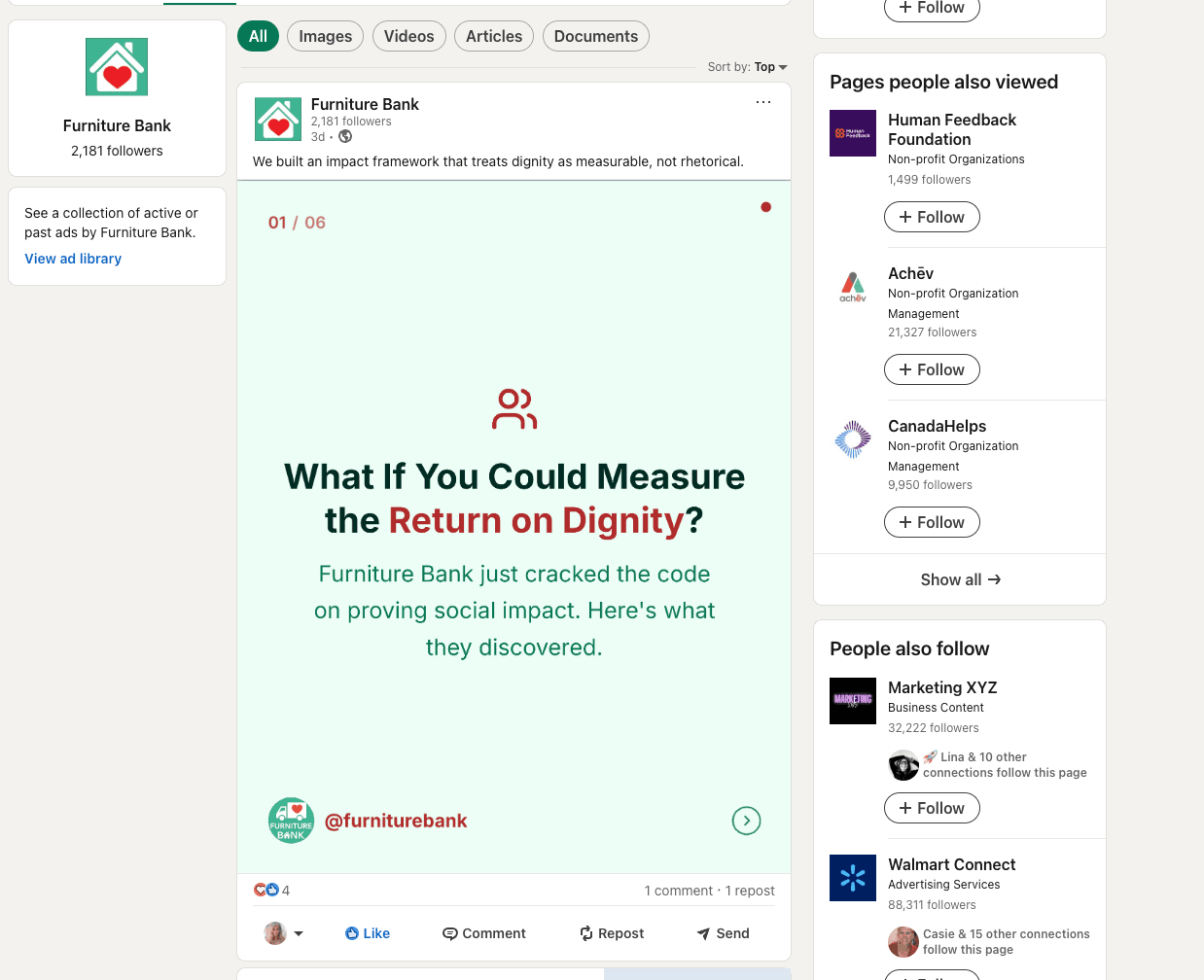
Carousels created with CarouselBot
Real carousels from real creators.
Roadmap
Coming soon
Drag-and-Drop Images
Drag images directly onto your slides for instant placement.
Data Visualization
Add charts and data visuals directly into your carousel slides.
Presentations
Turn your carousels into presentation decks with speaker notes.
Built By

Karen Spinner
Vibe coder and creator of tools loved by Substack users. Author of Wondering About AI newsletter.
Other Projects
Review for Prompt Collector, my most popular product
“Karen outdid herself with this one. Tons of value for creators, builders, and professionals already integrating AI to their daily processes.”
James Presbitero
Write10x
Ready to create your first carousel?
Free to start. Upgrade anytime.
Get started freeTeam or agency? I’m looking for 10 orgs to help test the business version. DM me on LinkedIn, Substack, or email me.